

Display code editor field by codemirror.
Please see the manual here about codemirror
Code Sample:
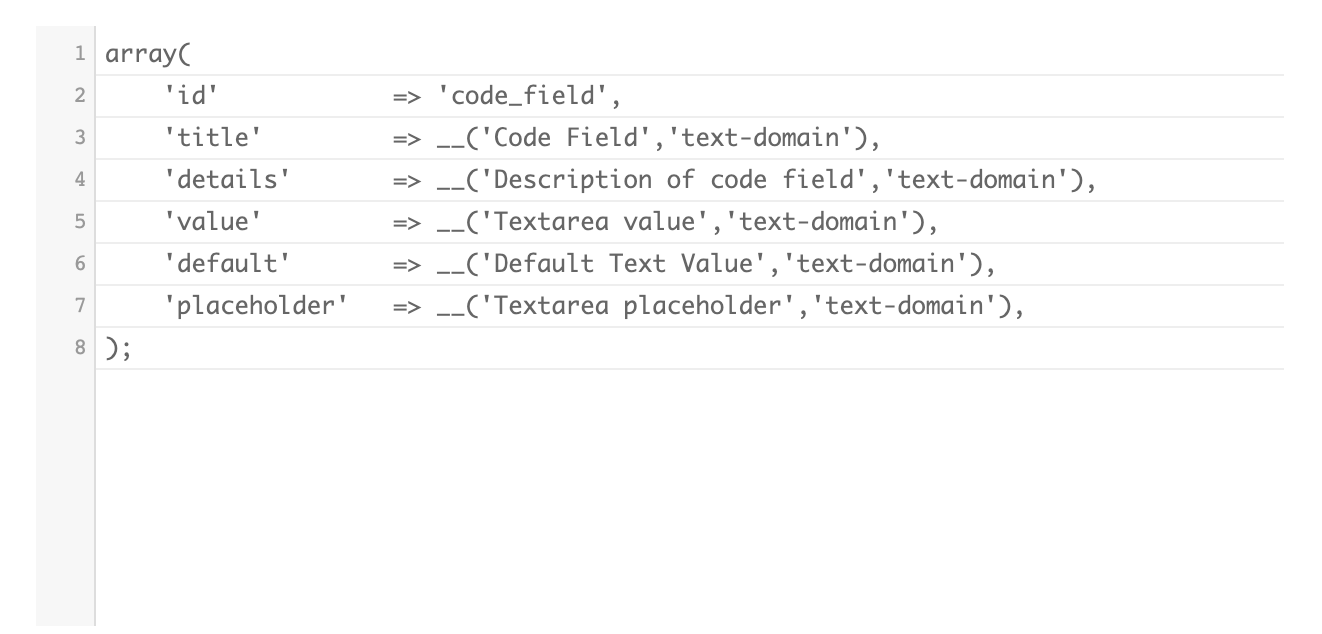
array(
        'id'		    => 'code_field',
        'title'		    => __('Code Field','text-domain'),
        'details'	    => __('Description of code field','text-domain'),
        'value'		    => __('Textarea value','text-domain'),
        'default'		=> __('Default Text Value','text-domain'),
        'placeholder'   => __('Textarea placeholder','text-domain'),
        'args'		=> array(
            'lineNumbers'	=> 'true', // do not write true, write as string, ex: 'true'
            'mode'	=> "'javascript'",
        ),
    )
Preview:
Arguments:
| Argument | Type | Example |
|---|---|---|
| id | String | 'field_id' |
| value | String | 'Any String' |
| default | String | 'Any String' |
| title | String | 'Field Title goes like this' |
| details | String | ‘Field Description goes like this’ |
| args | Array |
array(
'lineNumbers'	=> 'true', // do not write true, write as string, ex: 'true'
'mode'	=> "'javascript'",
),
Please see the arguments details here https://codemirror.net/doc/manual.html |